How to Switch Internet Provider in 15 Minutes (No Downtime)
You are paying more every month for the same sluggish download speeds. Your router drops connection during video calls. And when you call customer support, you sit on hold for forty minutes just to be told there is nothing we can do.” Sound familiar?
Here is the good news: switching providers is not the nightmare most people imagine. With the right sequence of steps, you can lock in a faster, cheaper plan, avoid a single hour of dead Wi-Fi, and dodge every hidden fee your old ISP hopes you’ll forget about.
How to Switch Internet Provider
A quick note on that 15 minutes: that is the time it takes to handle the admin side comparing plans, placing your order, and booking your installation slot. The actual physical handover between your old and new provider plays out over a few days, using the overlapping service method explained in Step 3, so your home internet never actually goes dark. This guide walks through exactly how to switch internet provider the smart way the way that protects your wallet and your connection at the same time.
Quick Answer:
To switch internet providers without downtime, audit your current contract for early termination fees, compare new providers (fiber vs. cable), install the new service while your old one is still active using the overlapping service method, then cancel the old plan and return equipment with tracking proof. The admin work takes about 15 minutes the full transition takes a few data.
Why Switching Your Internet Provider Is Simpler Than You Think
Most people delay switching because they imagine technicians, paperwork, and a week without Wi-Fi. In reality, the process has gotten dramatically easier over the past few years. Most new providers handle installation scheduling for you, and self-install kits mean a technician visit often is not even required.
How to Switch Internet Provider

How to Switch Internet Provider
The real risk is not the technical side it is the financial side. People lose money not because switching is hard, but because they cancel their old service too early, miss a contract clause, or forget to send back a router. Once you understand how to switch internet provider without tripping these wires, the whole process becomes almost boring in how straightforward it is.
Step-by-Step Guide: How to Switch Internet Provider Without Downtime
Step 1: Audit Your Current Plan and Detect Hidden Contract Fees
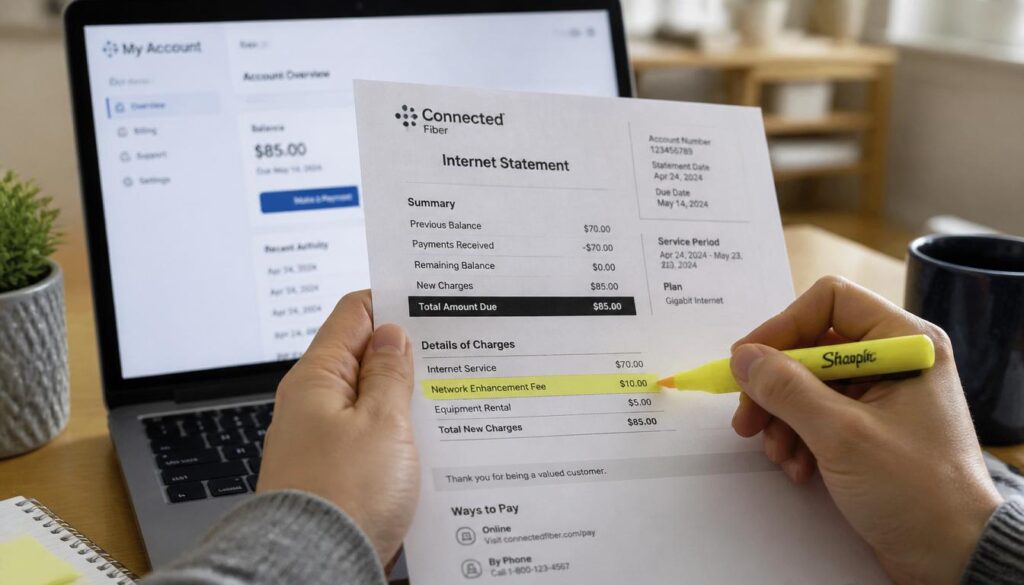
Before you do anything else, pull up your current internet bill and your account portal. You’re looking for three things:
- Contract end date — are you still locked in, or month to month?
- Early termination fee (ETF) — usually $10–$20 per remaining month, capped around $200–$400.
- Promo expiration date — many discounted bills jump in price the moment a 12-month promo ends, which might mean you’re already overpaying without a contract penalty.
Call your provider (or check the portal) and ask directly: “What is my early termination fee if I cancel today?” Write the number down. This single step determines whether switching saves you money this month or whether it makes more sense to wait until your contract naturally expires.
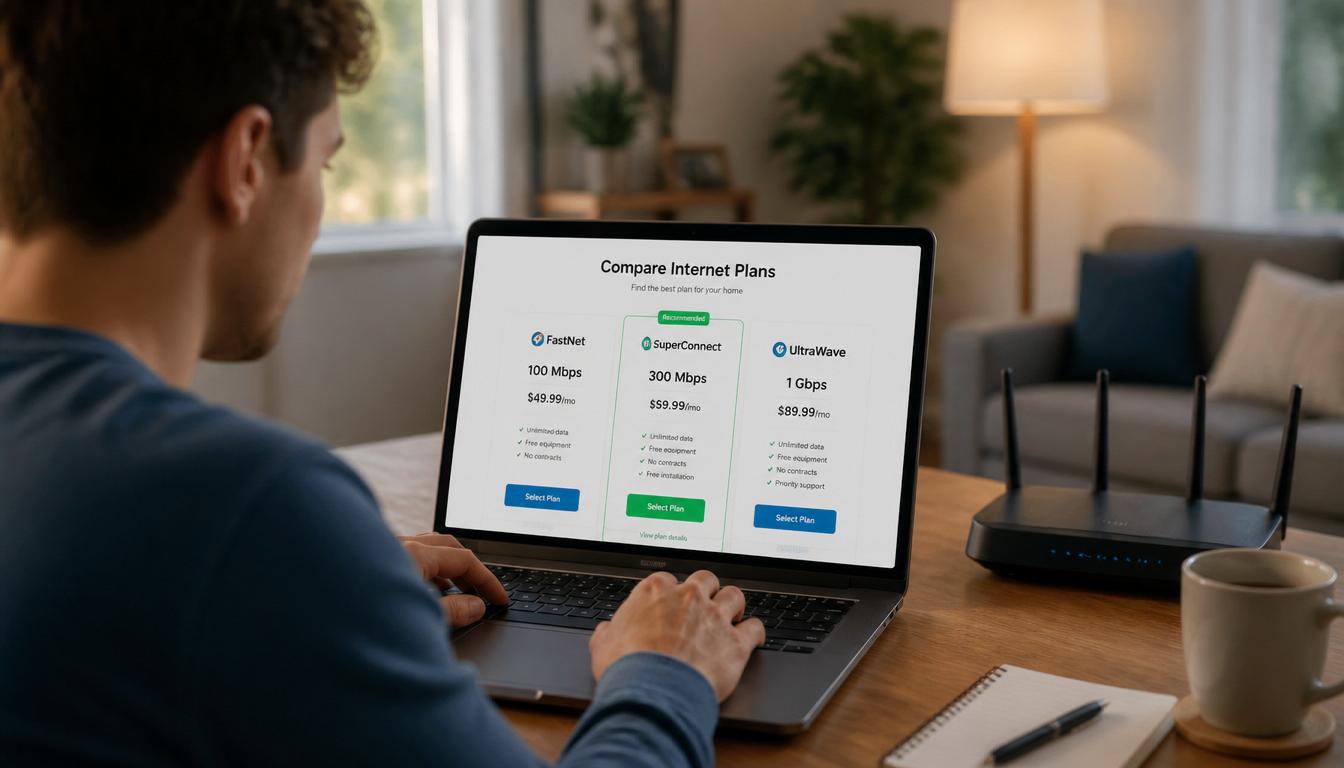
Step 2: Shop and Compare Local Competitors (Fiber vs Cable, Speed vs Price)
Once you know your numbers, it is time to shop. Do not just compare advertised speeds compare what you will actually get.
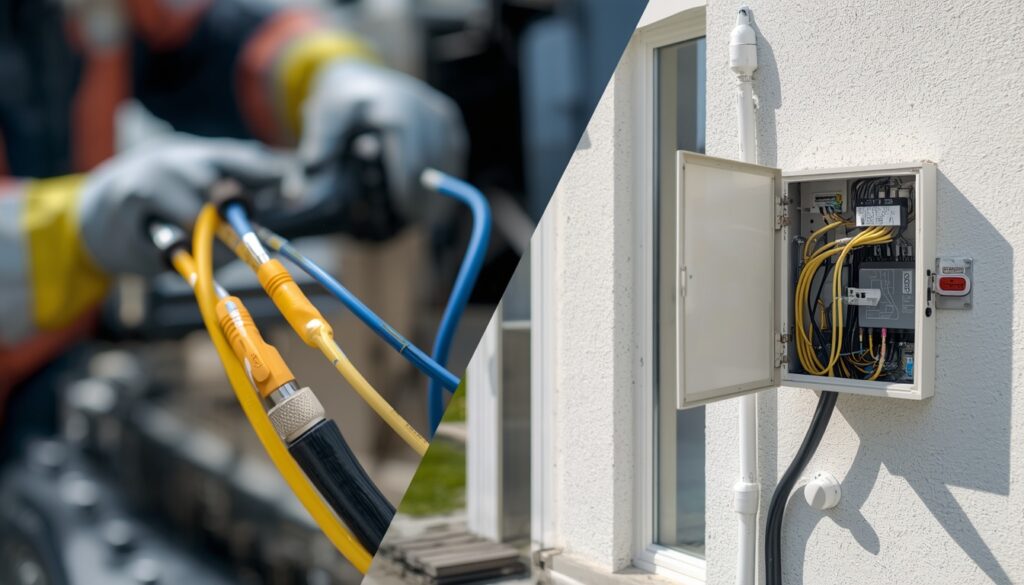
- Fiber: symmetrical upload/download speeds, rarely slows during peak hours, but watch for fiber vs cable installation overhead some addresses need a professional install appointment if fiber lines haven’t reached the building yet, which can push your switch date out by a week or two.
- Cable: shares bandwidth with your neighborhood, so speeds can dip in the evening, but usually offers same day or next day self install.
- Data caps: run a data cap throttling audit on any plan you’re considering. Some unlimited plans quietly throttle speeds after ~1.2TB of monthly usage check the fine print if you stream in 4K or work from home on video calls daily.
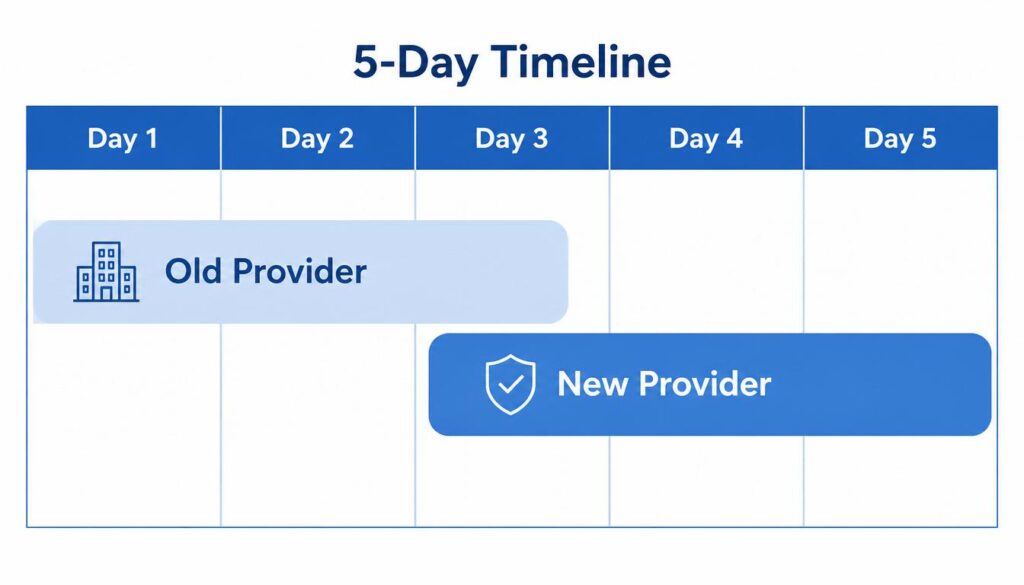
Step 3: Use the Overlapping Service Method to Protect Your Connection
This is the step most people skip, and it is the one that actually answers the question of how to switch internet provider without a single offline day.
How to Switch Internet Provider
How to Switch Internet Provider
Never cancel your old service the moment your new one is installed. Instead, keep both active for 3 to 5 days and use the window to:
- Run speed tests at different times of day
- Check Wi-Fi coverage in every room
- Confirm all your devices reconnect properly to the new network
- Test bandwidth-heavy tasks (video calls, streaming, gaming) before fully committing
If something goes wrong with the new install, you still have backup internet while it gets fixed this is what actually makes the switch feel seamless.
Step 4: How to Cancel With Your Old Provider Without Falling for Retention Scams
Once your new service is confirmed working, call to cancel the old one. Be ready retention departments are trained to keep you on the line and on the plan. Here’s how to handle the call:
- Decide your answer beforehand. Are you open to a discount if it is good enough, or are you done regardless?
- Expect a counteroffer. They may suddenly offer the lower price you were denied for months, a free speed upgrade, or waived fees.
- Get it in writing. Confirm your cancellation date via email or chat transcript not just a verbal phone confirmation.
- Ask for your final bill date so you know exactly when to expect the prorated invoice.
Step 5: Returning Equipment Safely (The Receipt Proof Strategy)
This is where people lose the most money for no reason. Providers routinely charge $100–$200 “unreturned equipment” fees even when the customer did return the router because the warehouse lost the scan or the box got misrouted.
Protect yourself with the equipment return receipt proof strategy:
- Drop off equipment at an authorized UPS/FedEx location (most providers prepay return shipping)
- Always get a physical or digital tracking receipt
- Keep that receipt for at least 90 days
- If a surprise fee appears on a future bill, that tracking number is your entire case
Before boxing up your old router, it is worth doing a final check on your new setup placement, channel interference, and firmware updates can all affect your day-one speeds. (final check on your new setup” to your home router optimization/troubleshooting guide here.)
The Hidden Loopholes to Avoid Paying Early Termination Fees (ETF)
How to Switch Internet Provider
How to Switch Internet Provider
Not everyone has to pay the full ETF. A few loopholes are worth checking before you assume you’re stuck:
- Moving exemption: If you are relocating outside your provider’s coverage area, most major ISPs waive the ETF entirely you just need proof of the new address.
- Contract buyout offers: Some competing providers will pay off your remaining ETF (up to a few hundred dollars) as a sign-on incentive if you switch to them. Ask directly this is rarely advertised on the website.
- Service failure clause: If your provider missed multiple service-level agreements (repeated outages, documented speed drops below what you paid for), you may have grounds to cancel without penalty. Pull your outage history from their app or website as evidence.
Knowing these loopholes before you call is often the difference between a $300 fee and a $0 one.
Final Checklist: Securing a Pro-Rated Bill and Your Final Refund
Your final bill should only charge you for the days you actually used service that billing cycle this is your pro-rated final bill. ISPs occasionally “forget” to prorate and charge a full month instead. Compare your final invoice against your cancellation date line by line, and dispute any discrepancy immediately through chat support (it creates a written record).
How to Switch Internet Provider
Quick Comparison: Cable vs. Fiber Switching
| Factor | Cable | Fiber |
|---|---|---|
| Typical switch timeline | 1–3 days (self-install) | 5–14 days (may need a technician) |
| Installation cost | Often $0–$50 | $0–$100, sometimes waived as a promo |
| Speed consistency | Drops during peak hours | Stays consistent at all hours |
| Best for | Quick switches, light users | Heavy streaming, remote work, gaming |
Frequently Asked Questions
Can I keep my old router when I switch internet providers?
No most routers are leased and provider specific. Keeping it after cancellation usually triggers the unreturned equipment fee discussed above, so always ship it back and save your tracking receipt.
How long does it take to switch internet providers?
Cable switches often complete in 1 to 3 days with a self-install kit. Fiber can take 5 to 14 days if a technician needs to run a new line to your home. Using the overlapping service method means you won’t notice the gap either way.
Will my current provider charge me a cancellation fee?
Only if you are still under contract. Check your ETF amount in Step 1, and review the loopholes section above a moving exemption, service failure clause, or a buyout offer from your new provider could eliminate the fee entirely.
Switching does not have to mean a week of buffering Netflix or a surprise $300 charge two months later. Follow this sequence audit, compare, overlap, cancel carefully, return with proof and you’ll come out the other side with a faster connection and a clean bill.
If your Wi-Fi keeps dropping even after the switch, check out our guide on fixing common WiFi authentication errors for quick fixes. And once your new router is set up, spend five minutes following our home router optimization guide proper placement and settings make a real difference in your day one speeds.