Types of Internet: 6 Main Internet Connection Types Explained
Choosing an internet connection can be confusing because providers use terms like fiber, cable, DSL, fixed wireless, 5G, and satellite. These terms describe different technologies used to connect your home or device to the internet.
The types of internet available to you depend largely on your location, local infrastructure, the number of connected devices, and how you use your connection.
This guide explains the six main modern connection types, how they work, how they compare, and what to consider before choosing one.
What Are the Different Types of Internet?
An internet connection type describes the technology and transmission method used to deliver internet access to your home, business, or device.
There is no single universal list because sources can classify internet access in different ways. For example, some consumer guides focus on fiber, cable, DSL, satellite, and 5G home internet. Other classifications separate fixed wireless from 5G or group technologies under broader categories such as wired and wireless access.
For everyday home internet, six modern connection types are especially useful to understand:
- Fiber internet
- Cable internet
- DSL internet
- Satellite internet
- Fixed wireless internet
- 5G home internet
Older technologies such as dial-up and ISDN still appear in historical discussions, but they are no longer the main choices for modern home broadband.
The 6 Main Types of Internet Connections
Fiber Internet
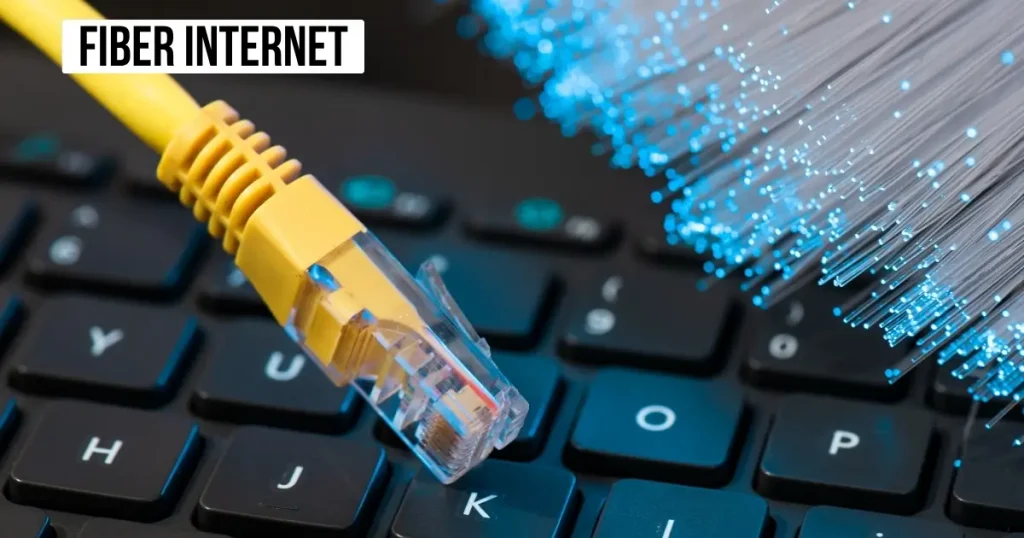
Fiber internet uses fiber-optic cable to transmit data as pulses of light. Instead of sending information through traditional copper or coaxial wiring, fiber carries data through thin strands of glass or plastic.
Fiber is known for high speed, low latency, strong reliability, and the ability to support high upload speeds. Many fiber services also offer symmetrical speeds, meaning upload and download rates can be similar.
That can make fiber useful for activities that send large amounts of data, such as:
- Cloud backups
- Large file transfers
- Video conferencing
- Content creation
- Online gaming
- 4K streaming
- Large households with many connected devices
The biggest limitation is availability. Fiber infrastructure requires significant network deployment, so it is not available at every address.
If fiber is available where you live, it can provide a strong combination of speed, upload performance, and low latency.
Cable Internet
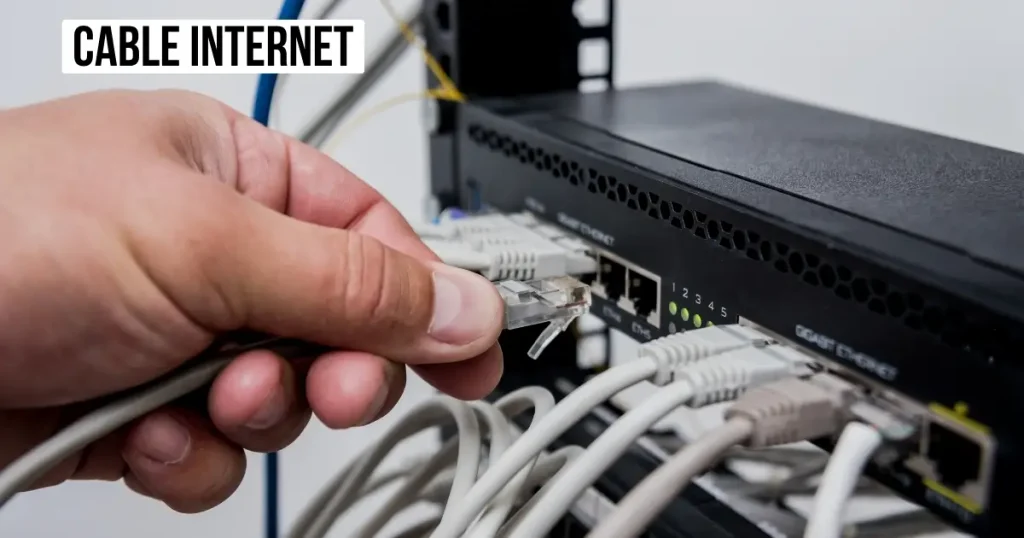
Cable internet typically uses coaxial cable infrastructure to deliver internet service to your home. A cable modem connects to the incoming line, while a router or gateway provides local network access.
Cable is widely available in many U.S. communities and can provide enough performance for demanding household activities.
Common uses include:
- HD and 4K streaming
- Online gaming
- Video calls
- Remote work
- Large downloads
- Multiple connected devices
One characteristic of traditional cable networks is that bandwidth can be shared among customers in the same local network segment. During periods of heavy network use, this can sometimes affect performance.
Cable connections can also have much lower upload speeds than download speeds. That difference matters if you regularly upload large files, stream live video, or use cloud-based workflows.
DSL Internet
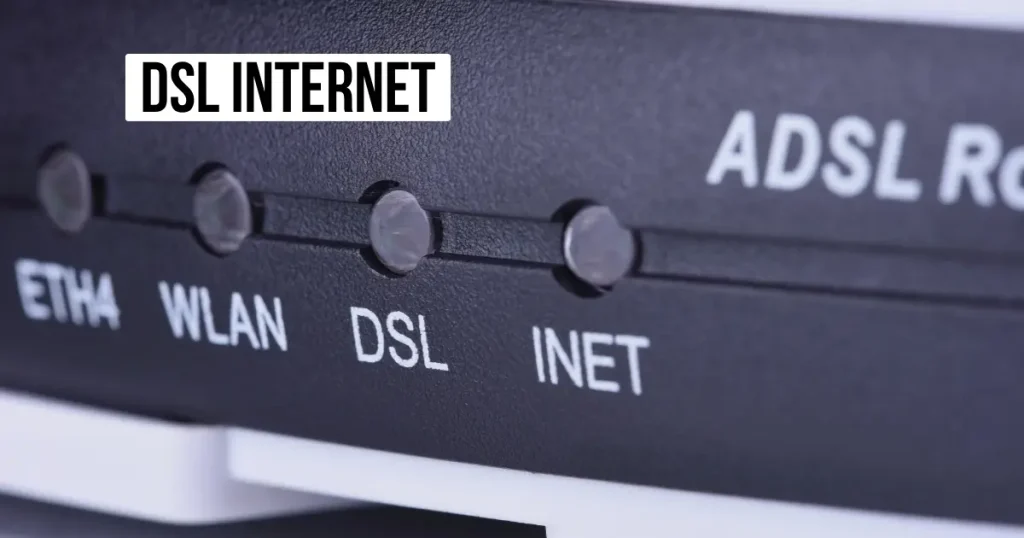
DSL stands for Digital Subscriber Line. It uses existing telephone-line infrastructure to provide internet access.
DSL can be useful in locations where newer wired technologies have not been deployed. It has historically provided an important way for homes to access broadband without requiring cable or fiber infrastructure.
However, DSL performance is affected by the distance between the customer and the provider’s network equipment. Longer distances can reduce the available performance.
DSL can still work for lighter activities such as:
- Web browsing
- Basic video calls
- Standard-definition streaming
- General online tasks
It is less competitive for households that need high upload speeds, multiple simultaneous streams, large downloads, or heavy cloud usage.
As fiber, cable, and wireless technologies expand, DSL has become a less competitive option in many areas.
Satellite Internet
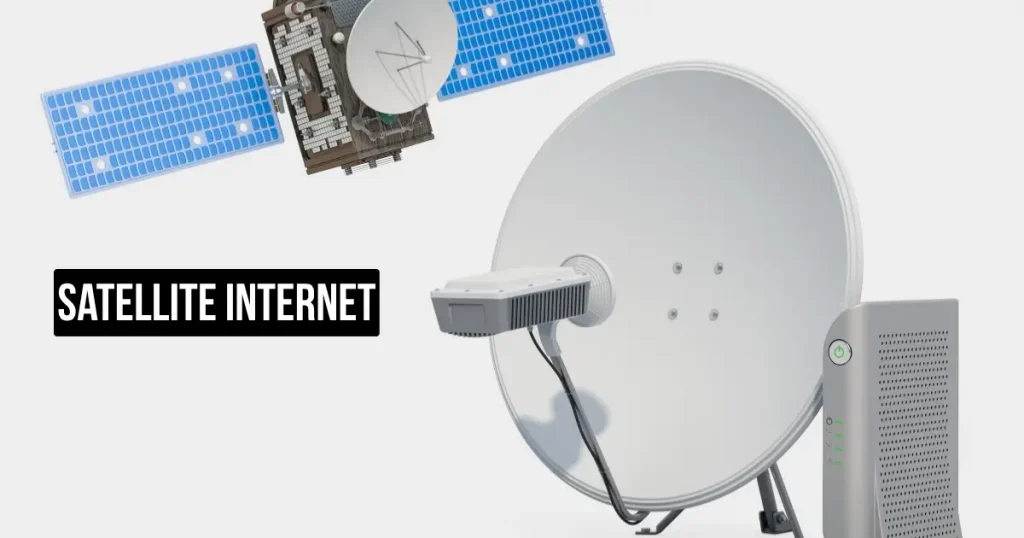
Satellite internet connects your location to a satellite using a satellite dish or similar outdoor equipment.
The basic path is different from a wired connection. Your equipment communicates with a satellite in orbit, which connects the traffic to the broader internet through the provider’s network.
Satellite can be particularly useful in rural or remote locations where fiber, cable, DSL, and terrestrial fixed wireless are unavailable.
There are two important satellite categories to understand:
- GEO: Geostationary Earth Orbit satellites operate much farther from Earth and can introduce significant latency.
- LEO: Low Earth Orbit satellites operate much closer to Earth and can provide lower latency than traditional GEO satellite systems.
Satellite performance can also depend on environmental conditions and whether the dish has a suitable view of the sky.
Satellite may be useful for:
- Rural homes
- Remote properties
- Locations without wired infrastructure
- Basic to moderate household internet use
The technology has improved, particularly with newer LEO systems, but satellite still has different latency and availability characteristics from terrestrial connections.
Fixed Wireless Internet
Fixed wireless internet uses a radio link to connect a fixed location to a nearby tower, base station, or other transmission point.
Unlike mobile internet, fixed wireless is designed to serve a particular location. Your home typically has receiving equipment that communicates with the provider’s network.
Fixed wireless can be valuable in rural and suburban areas where installing fiber or cable would be difficult or expensive.
Performance depends on factors such as:
- Signal strength
- Distance from the transmission point
- Network capacity
- Physical obstacles
- Terrain
- Line of sight
- Local infrastructure
A clear path between the customer equipment and the provider’s equipment can be especially useful for some fixed wireless deployments.
Fixed wireless can provide broadband access without requiring a traditional wired connection directly to the home.
5G Home Internet

5G home internet uses a cellular 5G network to provide internet access to a home.
Instead of running a cable or fiber line directly to the house, a home gateway communicates wirelessly with a nearby cellular network. The gateway then provides internet access to devices inside the home through Wi-Fi or Ethernet.
This approach can simplify installation because the provider may not need to install a traditional physical line to the home.
5G home internet can be attractive for:
- Apartments
- Renters
- Homes with limited wired choices
- Users who want simpler installation
- Areas with strong 5G coverage
Performance can vary based on signal strength, network capacity, location, and other local conditions.
There is also an important terminology issue. 5G home internet can be considered a form of fixed wireless access, because the service is delivered wirelessly to a fixed home location. Some consumer guides list 5G home internet separately because it uses a cellular network and has different equipment and coverage characteristics.
How Do Internet Connection Types Compare?
The following table provides a practical high-level comparison.
| Type | Connection method | Speed potential | Latency | Availability | Best suited for |
| Fiber | Fiber-optic cable | Very high | Very low | Location-dependent | Gaming, streaming, large uploads, heavy households |
| Cable | Coaxial cable | High | Low to moderate | Broad in many areas | Streaming, gaming, remote work, general home use |
| DSL | Copper telephone line | Low to moderate | Moderate | Some areas, especially where newer networks are limited | Browsing, email, lighter use |
| Satellite | Satellite link | Moderate to high depending on system | Varies widely | Broad geographic reach | Rural and remote locations |
| Fixed wireless | Terrestrial radio link | Moderate to high | Low to moderate | Location and signal dependent | Rural and suburban homes |
| 5G home | Cellular 5G wireless link | Moderate to high | Low to moderate | Coverage dependent | Homes with strong 5G coverage and limited wired options |
These are technology-level comparisons, not guarantees for every provider or address. Actual performance depends on the network, plan, equipment, location, and local conditions.
Wired vs Wireless Internet Connections
Internet access can also be grouped into wired and wireless connections.
Wired Internet
Wired connections use a physical transmission medium between the provider’s network and the customer’s location.
The main examples in this guide are:
- Fiber
- Cable
- DSL
Fiber uses optical fiber. Cable uses coaxial infrastructure. DSL uses copper telephone lines.
Wired connections can offer consistent performance because the last-mile connection does not depend on a wireless radio signal between your home and the provider.
Wireless Internet
Wireless connections use radio or satellite communication rather than a physical cable running directly to the customer’s location.
Examples include:
- Fixed wireless
- 5G home internet
- Satellite
- Mobile broadband
Wireless does not automatically mean slow. Modern wireless technologies can provide substantial bandwidth. Performance depends on the specific technology, network capacity, signal conditions, and location.
Why the Difference Matters
The wired-versus-wireless distinction can affect several factors:
Speed: Wired technologies can offer very high capacity, while modern wireless systems can also provide fast connections.
Stability: Wired connections are generally less dependent on radio signal conditions. Wireless performance can change with signal strength, network load, or environmental factors.
Installation: Wireless services may require less physical construction at the property.
Mobility: Cellular connections are designed for mobile access, while fixed wireless and 5G home services are designed around a fixed home location.
Availability: Wireless technologies can reach some locations where building a wired network would be difficult.
Latency: Different technologies have different latency characteristics. Fiber generally has very low latency, while satellite latency depends heavily on the satellite system being used.
What Is Broadband Internet?
Broadband is a broad category of internet access rather than one specific physical technology.
Fiber, cable, DSL, fixed wireless, satellite, and other technologies can provide broadband service when they meet the applicable service definition.
The FCC treats broadband internet access as a service that can be delivered over different technology platforms, including wired, terrestrial wireless, and satellite systems.
That means fiber is not the same thing as broadband.
Fiber describes the transmission technology. Broadband describes the type of internet access service.
The same distinction applies to cable, DSL, fixed wireless, and satellite.
Broadband can also be divided into fixed and mobile forms. Fixed broadband generally serves a fixed location such as a home, while mobile broadband connects users through mobile networks.
What Are the 3 Types of Internet?
There is no single universal three-type classification of internet connections.
When people ask this question in a consumer context, a simplified answer may group the three major traditional wired technologies as:
- Fiber
- Cable
- DSL
However, that does not mean these are the only types of internet available today.
Modern consumers may also have access to:
- Satellite
- Fixed wireless
- 5G home internet
The difference comes from how the term “types” is being used. One source may classify technologies by physical medium. Another may separate fixed and mobile services. A consumer guide may list the most common residential technologies.
For that reason, it is better to understand the technology behind each connection rather than assume every source will use the same number.
Which Internet Type Is Best for Different Needs?
There is no single connection that is best for every household. The right choice depends on availability and what you do online.
| Need | Connection characteristics to look for |
| Gaming | Low latency, stable performance, sufficient download speed |
| Streaming | Reliable download capacity and enough bandwidth for multiple streams |
| Remote work | Stable connection, good upload speed, low latency |
| Large uploads | Strong upload performance, especially symmetrical speeds |
| Large households | High capacity with enough performance for simultaneous users |
| Rural areas | Availability may make satellite or fixed wireless practical |
| Travel or backup | Cellular and mobile broadband can provide flexible access |
Best for Gaming
Gaming depends heavily on latency and connection stability, not just download speed.
A connection with low latency and consistent performance can be more useful than simply choosing the plan with the largest advertised download number.
Fiber is often well suited to latency-sensitive activities where it is available. Cable, fixed wireless, and 5G home internet can also support gaming, depending on local network conditions.
Best for Streaming
Streaming mainly requires sufficient download capacity and a stable connection.
Cable and fiber can support multiple high-resolution streams when enough capacity is available. 5G home and fixed wireless can also work well where network conditions are strong.
Satellites may support streaming too, but performance depends on the service and location.
Best for Remote Work
Remote work involves more than downloading web pages.
Video meetings, cloud applications, file uploads, VPN connections, and collaboration tools can all affect your requirements.
Pay attention to:
- Upload speed
- Download speed
- Latency
- Reliability
- Data limits
A connection with strong upload performance can be especially useful for people who regularly send large files or use cloud services.
Best for Large Uploads
Upload performance matters for photographers, video creators, developers, remote workers, and anyone who regularly backs up large files.
Fiber is particularly useful when symmetrical upload and download speeds are available.
Cable and DSL can have significantly different upload and download performance, so check the specific plan rather than assuming both directions are equal.
Best for Large Households
The more people and devices using one connection, the more capacity you may need.
A large household may simultaneously use:
- Multiple video streams
- Gaming consoles
- Video calls
- Smart TVs
- Phones
- Computers
- Security cameras
- Cloud applications
The connection technology matters, but the service plan, network capacity, router, and home network also affect the experience.
Best for Rural Areas
Rural internet choices depend heavily on location.
Satellites can reach many remote locations. Fixed wireless can also serve rural and suburban areas where a suitable provider network exists.
DSL may still be present in some areas, while fiber and cable availability varies significantly by location.
The FCC’s broadband map can help users check which fixed technologies providers report at a particular location.
Best for Travel or Backup Connectivity
Mobile broadband and mobile hotspots are designed for connectivity while moving or when a traditional home connection is unavailable.
A cellular connection can also serve as a backup option if your primary home internet goes offline.
How Do I Know What Type of Internet I Have?
You can usually identify your connection type through your provider account, equipment, or the physical connection entering your home.
Check Your Bill or Account
Start with your internet provider’s website, bill, or account dashboard.
The service name may identify the technology directly. Look for terms such as:
- Fiber
- Cable
- DSL
- Fixed wireless
- 5G home
- Satellite
Inspect Your Internet Equipment
Your modem, router, or gateway can provide clues.
For example:
- A cellular gateway with a SIM or cellular connection may indicate 4G or 5G home service.
- A satellite dish strongly suggests satellite internet.
- A cable modem connected to a coaxial line commonly indicates cable service.
- An optical network terminal may indicate fiber service.
Equipment alone is not always enough to identify the service with certainty, so your provider account is usually the better confirmation.
Check the Connection to Your Home
The physical line can also provide a clue.
A coaxial cable commonly indicates cable internet.
A telephone-style copper line may indicate DSL.
A fiber-optic connection and optical terminal may indicate fiber.
A satellite dish indicates satellite service.
A cellular gateway may indicate a fixed wireless or 5G home connection.
Ask Your Internet Provider
If the equipment and account information are unclear, contact your internet service provider.
Ask them which access technology serves your address. This can also help you understand whether another connection type is available.
What Are the Older Types of Internet?
Dial-Up Internet
Dial-up internet uses a telephone line and modem to establish a connection.
It was widely used before broadband became common but is now considered a legacy technology.
Dial-up has very limited performance compared with modern broadband connections and is not practical for most current internet use.
ISDN
ISDN, or Integrated Services Digital Network, was another older digital telecommunications technology used for voice and data communication.
It played an important role before modern broadband became widespread.
Today, technologies such as fiber, cable, fixed wireless, 5G, and satellite are much more relevant to residential internet access.
What Should You Consider Before Choosing an Internet Type?
Before choosing a service, look beyond the advertised download speed.
Availability
First, find out what is actually available at your address.
A technically excellent connection does not help if the provider has not built that network in your area.
Speed
Consider both your typical activities and the number of people using the connection.
Basic browsing needs less capacity than a household running multiple high-resolution streams, gaming sessions, video calls, and cloud applications at the same time.
Upload Speed
Do not focus only on download speed.
Upload performance matters for video meetings, cloud backups, large file transfers, livestreaming, and content creation.
Latency
Latency measures the delay involved in data traveling between systems.
Low latency can be particularly important for online gaming, interactive applications, and real-time communication.
Reliability
A connection should remain usable during the times you depend on it most.
Consider the provider’s network, local infrastructure, signal conditions, and your area’s history of service interruptions.
Number of Users
A single-person household has different needs from a family with several simultaneous users.
More users generally mean more competing traffic.
Connected Devices
Phones, computers, TVs, consoles, cameras, smart speakers, and other IoT devices can all use your network.
Count the devices that may be active at the same time.
Usage
Think about how you actually use the internet.
Streaming, gaming, remote work, large uploads, video conferencing, and cloud applications can create different requirements.
Cost
Compare the full monthly cost rather than only the promotional price.
Check what happens after an introductory period and whether equipment charges are separate.
Data Caps
Some services may impose data limits or different policies depending on the plan.
Check the provider’s current terms before signing up.
Installation
Fiber and cable may require physical installation. Wireless services may have different installation requirements.
Ask what equipment and installation work are included.
Equipment
Find out whether the provider supplies a modem, router, gateway, dish, or other equipment.
Also check whether equipment rental fees apply.
Future Needs
Your internet requirements can change.
A connection that works for basic browsing today may become limiting if you begin working remotely, adding smart-home devices, streaming more video, or uploading large files.
Frequently Asked Questions About Internet Types
What are the three main types of internet?
There is no universal three-type classification. A common simplified consumer grouping is fiber, cable, and DSL. Modern internet access also includes satellite, fixed wireless, and 5G home internet.
What are 10 common internet terms?
Ten common internet terms include bandwidth, latency, download speed, upload speed, ISP, modem, router, Wi-Fi, broadband, and Ethernet.
These terms describe different parts of an internet connection and home network. They are not all connection types.
What type of internet is best?
The appropriate type depends on availability, speed requirements, upload needs, latency, reliability, household size, and budget. Fiber, cable, DSL, satellite, fixed wireless, and 5G can each fit different situations.
What are the 10 types of networks?
Common network classifications include LAN, WAN, MAN, PAN, WLAN, CAN, SAN, and other specialized network types. These are computer network classifications, not the same thing as residential internet connection technologies.
For home internet, terms such as fiber, cable, DSL, satellite, fixed wireless, and 5G describe how internet access is delivered.